CRM for Small Business vs Spreadsheets
Small businesses often start with spreadsheets because they are simple and familiar. Over time, as leads, customers, and follow-ups increase, spreadsheets begin to slow teams down. CRM software for small business is designed to handle this growth in a structured and reliable way. Below is a clear comparison that shows where spreadsheets fall short and how a CRM fills those gaps.
Manual and Time-Consuming Data Updates
Spreadsheets rely completely on manual data entry. Every call, email, or follow-up must be updated by the sales team, which often gets delayed or missed. As lead volume increases, accuracy drops. CRM software for small business updates records automatically, keeping customer data current and reliable without extra effort.
Challenges in Team Collaboration
Using spreadsheets across teams often leads to duplicate entries, overwritten data, and confusion around responsibility. There is no clear ownership of leads or tasks. A CRM for small business provides shared access with defined lead ownership, activity tracking, and real-time updates, helping teams work together smoothly and stay accountable.
Limited Visibility Into the Sales Pipeline
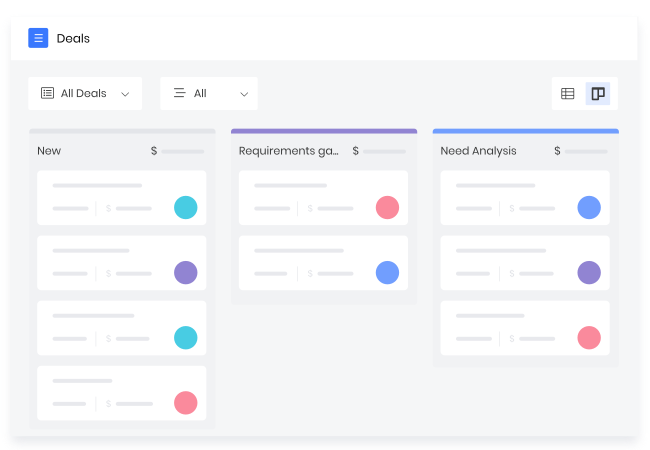
Spreadsheets do not clearly show where deals stand or which opportunities need attention. Understanding revenue potential requires manual checks. A CRM organizes deals into stages, showing active opportunities, expected closures, and stalled leads. This structured visibility helps small businesses focus efforts on deals that matter most.
No Automation Support for Daily Tasks
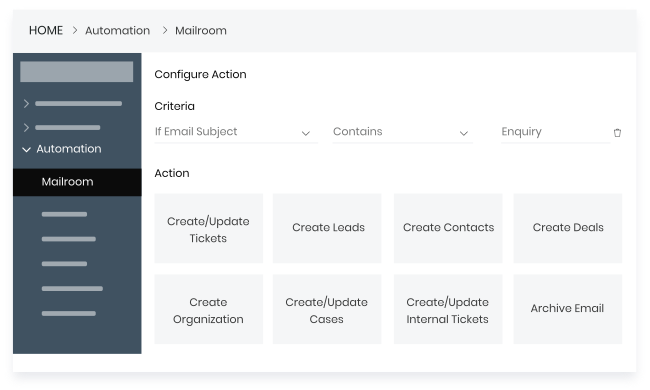
Daily sales activities like reminders, follow-ups, and lead assignments cannot be automated in spreadsheets. These tasks depend on memory and manual tracking. CRM software for small business automates routine actions, ensuring follow-ups happen on time, leads move correctly, and processes remain consistent across the team.
Lack of Meaningful Reporting and Insights
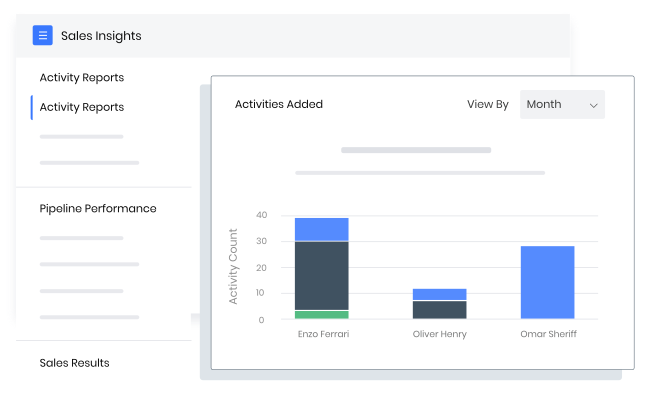
Spreadsheets offer limited reporting and no real-time insights. Tracking performance often requires manual calculations and updates. CRM software for small business provides built-in dashboards and reports that track conversions, sales trends, and team productivity, helping business owners make faster, data-driven decisions.
How CRM Helps Small Businesses Grow
Running a small business means handling leads, follow-ups, and customers every day. When these activities are managed in one place, teams work with more clarity and less confusion. A CRM for small businesses supports steady growth by helping teams stay organized, respond on time, and understand what is working.
Organized Lead Management
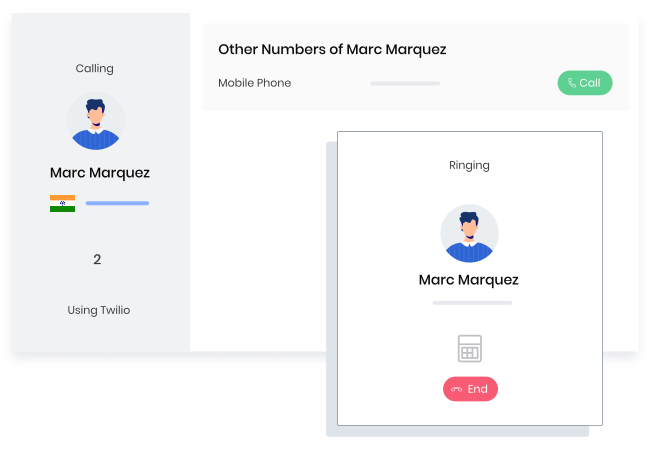
A CRM for small businesses gathers leads from websites, emails, phone calls, and campaigns into one system. This keeps all inquiries in one place and makes it easy to track. Teams can see lead status clearly and ensure every inquiry is handled without being missed.
Consistent and Timely Follow-Ups
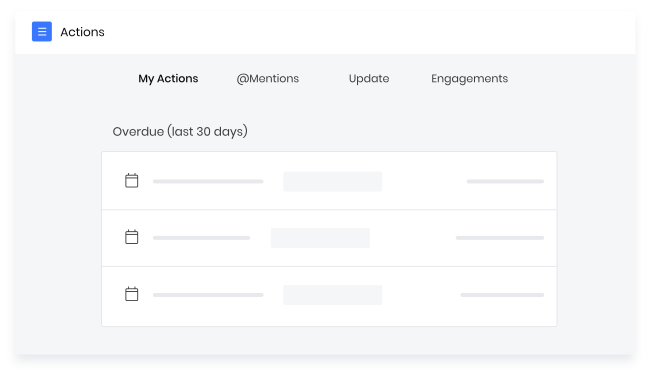
CRM tools provide reminders for calls, emails, and meetings. Sales teams always know the next action to take. This helps maintain regular communication with prospects, improves response times, and increases the likelihood of converting leads into customers.
Improved Sales Efficiency
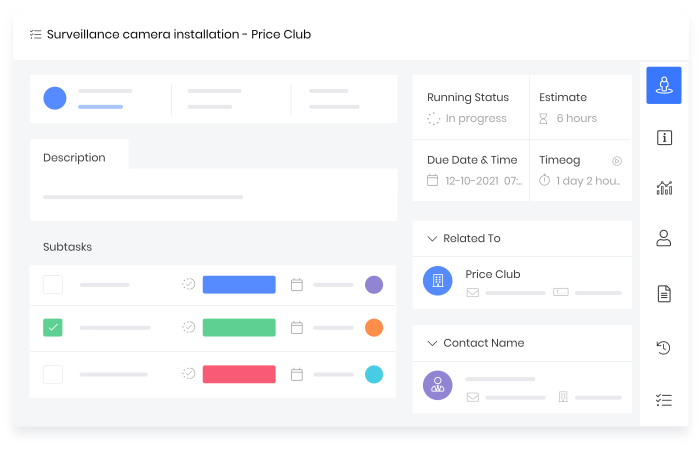
CRM software clearly shows each deal’s progress. Teams can identify delays early and take action faster. With fewer manual steps and greater visibility, sales processes move more smoothly, helping deals close faster.
Better Customer Experience and Retention
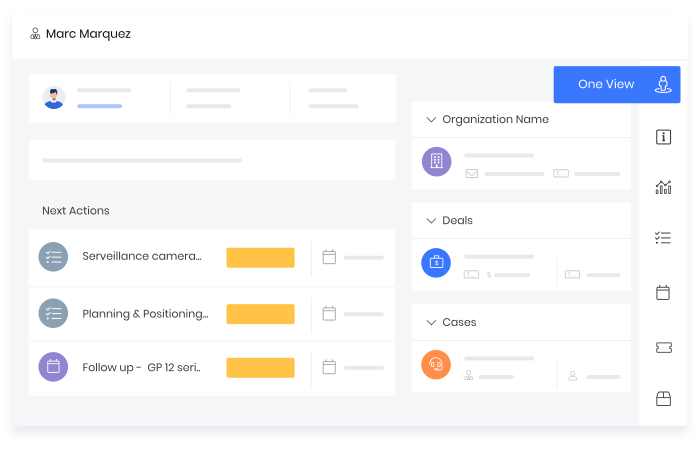
All customer interactions are stored in one place. This helps teams understand past conversations and respond more accurately. Clear context leads to better communication, stronger relationships, and higher customer retention over time.
Data-Driven Growth Planning
CRM reports give a clear view of sales activities. Business owners can track progress, spot trends, and plan next steps with confidence. Decisions are based on actual performance, making growth more predictable and controlled.
Factors for Choosing the Right CRM for Your Small Business
Choosing a CRM is not just about features. It should support daily work without adding complexity. The right CRM for a small business fits the teams, grows with the company, and works well with existing tools, helping businesses stay organized and consistent as they scale.
Ease of Adoption for Daily Users
A CRM for a small business should be easy to learn and use. Sales and support teams must create or update leads, add notes, and schedule follow-ups without technical support. When the system feels simple, teams use it regularly, keeping data accurate and processes running smoothly.
Scalable Pricing Structure
Small businesses need pricing that grows with them. Free plans may work early on, but often limit automation and reporting. A scalable CRM pricing model lets businesses start with basic features and upgrade gradually as teams and sales volume increase, avoiding the need to switch systems later.
Customization Based on Business Processes
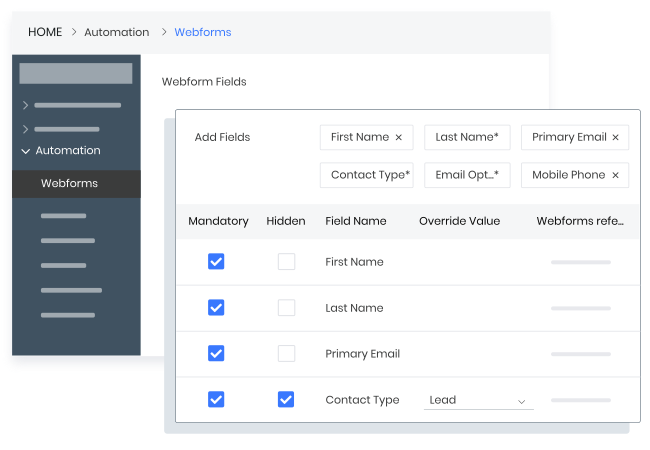
Every business follows its own sales process. A CRM for a small business should allow changes to pipelines, stages, fields, and workflows. This helps teams work the way they already do, instead of adjusting operations to fit the tool, improving efficiency and process consistency.
Integration with Existing Tools
Most small businesses use multiple tools for email, calls, marketing, and billing. CRM software for small businesses should connect easily with these systems. Proper integrations reduce manual data entry, keep information up to date across platforms, and give teams a complete view of each customer.
Strong Customer Support and Onboarding
Good support makes CRM adoption easier. Small businesses often depend on vendor guidance during setup. A reliable CRM provider offers onboarding help, training resources, and quick customer support, helping teams use the system correctly and gain value from it early on.
Common Challenges Small Businesses Face Without a CRM
Managing customers and sales without a central system creates gaps in daily operations. Important tasks rely on manual tracking, and information stays scattered across tools. This leads to missed opportunities, unclear progress, and difficulty making informed decisions.
Missed and Delayed Follow-Ups
Without a CRM, follow-ups depend on notes or manual reminders. This often results in delayed responses or missed leads. Small businesses lose opportunities simply because there is no clear system to track who needs a follow-up and when.
Unclear Sales Performance Tracking
Tracking sales activity without CRM software is difficult. Deal stages, pipeline value, and conversion rates are not easy to monitor. Business owners struggle to see which deals are moving forward and which need attention, making it harder to manage sales effectively.
Disconnected Teams and Data Silos
Customer data stored in emails, spreadsheets, and chats creates confusion. Teams work with different versions of the same information, and updates get lost. A lack of shared data reduces coordination among sales, marketing, and support, slowing day-to-day work.
Inconsistent Customer Communication
When customer history is not shared, teams communicate without full context. Different messages may be sent to the same customer, or outreach may be repeated. This inconsistency affects customer trust and weakens the overall experience.
Limited Insights for Strategic Planning
Without reliable data, planning is based on assumptions. Businesses cannot clearly see sales trends, customer behavior, or future revenue. This limits their ability to plan growth, set targets, and make business decisions.
CRM Use Cases for Small Businesses
For small businesses, CRM is primarily used to reduce dependence on scattered tools and to improve information tracking. It brings discipline to how leads are handled, deals are moved forward, customers are supported, and revenue is protected. These use cases reflect how CRM fits into day-to-day operations, not just planning.
Lead Capture and Qualification
CRM automatically captures every inquiry and stores it with its source, date, and activity history. Leads are filtered based on actions taken, response level, or basic criteria. This prevents random follow-ups and helps sales teams focus on leads that show real intent.
Sales Pipeline Management
CRM forces deals to move through defined stages. Each stage reflects a real step in the sales process, making progress measurable. Teams can quickly see stalled deals, pending actions, and expected closures, allowing managers to intervene early rather than reviewing outcomes after losses.
Customer Support and Issue Resolution
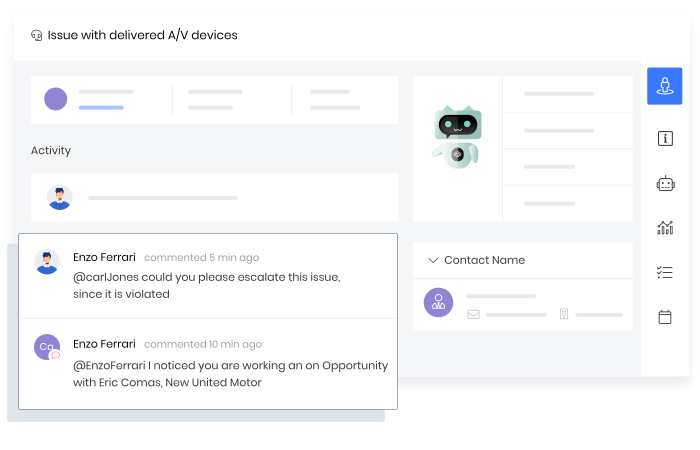
CRM keeps support requests linked to customer records. Teams see past complaints, resolutions, and response timelines before replying. This avoids repeated questions and reduces handling time. Support becomes structured instead of reactive, even when handled by small or rotating teams.
Renewal and Relationship Management
CRM automatically tracks renewal dates, contract details, and past engagement. Follow-ups are scheduled before deadlines, not after churn. This ensures renewals are planned activities, not last-minute recovery attempts, helping businesses retain revenue without adding manual tracking work.
Upselling and Cross-Selling Opportunities
CRM highlights usage patterns, past purchases, and service gaps. Sales teams can identify logical next offers based on customer behavior. This makes upselling relevant and timed properly, reducing resistance and improving acceptance rates.
Marketing and Sales Alignment
CRM connects lead sources with deal outcomes. Marketing teams see which campaigns bring sales-ready leads, while sales teams know what content or offers prospects interacted with. This helps both teams adjust actions based on shared data.