
Sales Productivity
Breezway consolidates and automates its business processes with Vtiger, resulting in YoY sales growth.
Find pages, features, and help articles.
With Actions page, always stay up-to-date on your deadlines, meetings, follow-ups, etc., effortlessly. Take actions at the right time and stay ahead of the curve.
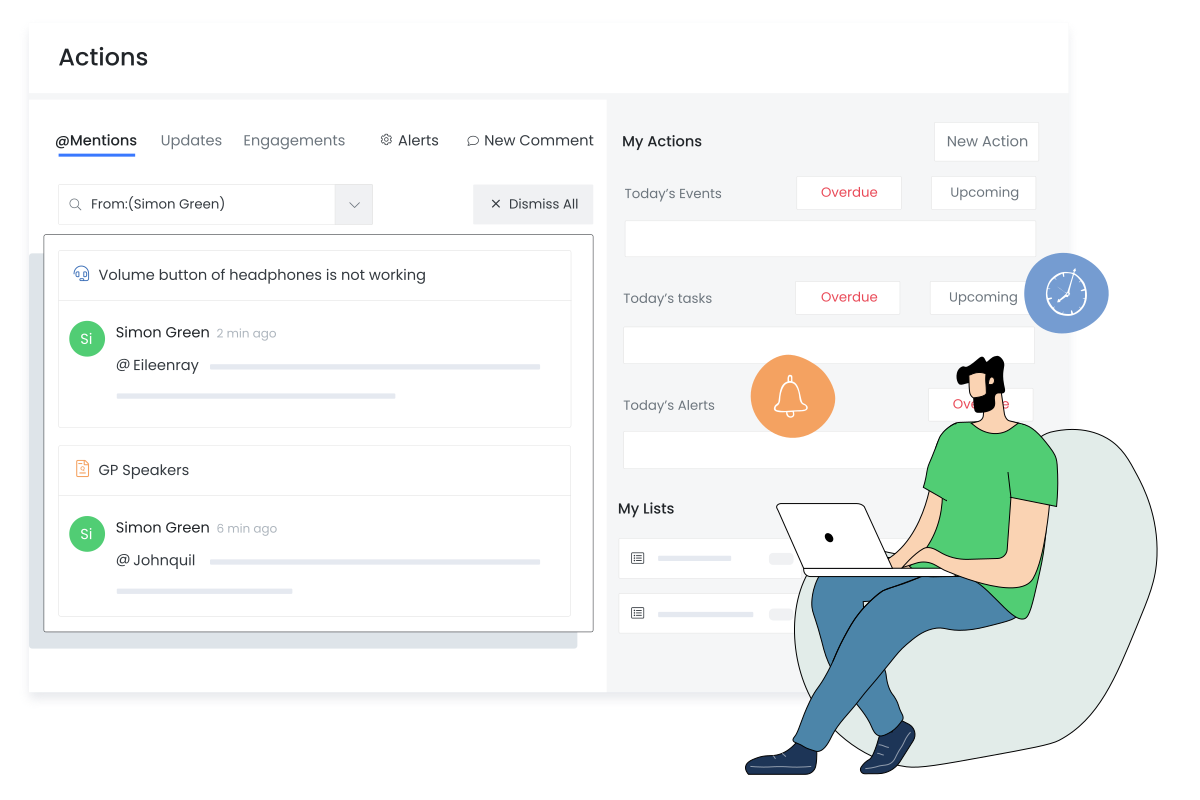
Do away with setting up reminders. The My Actions tab lists all your calls, meetings, and tasks sorted according to urgency, so you do not miss out on them. Tick off completed activities directly from the notification.
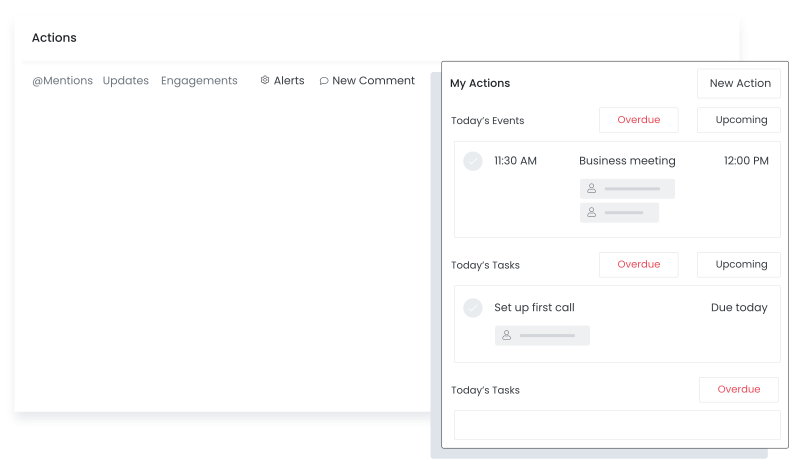
Keep your discussions transparent with @Mentions. Mention your teammates, get the conversation history, reply to your mentions, and close conversations directly from Actions page. Search for mentions by filtering them by keywords, users, etc.
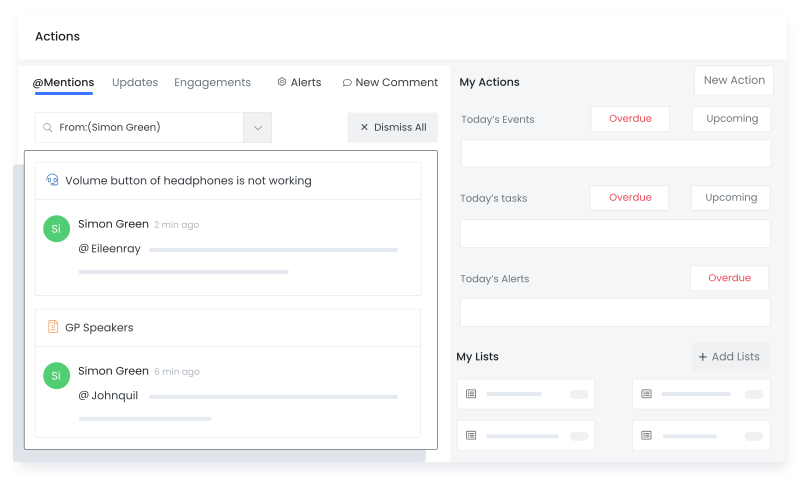
Make customer collaboration easy. Get notified about customers’ interactions with your emails and documents. Updates on the records you follow are shown under the Updates tab.
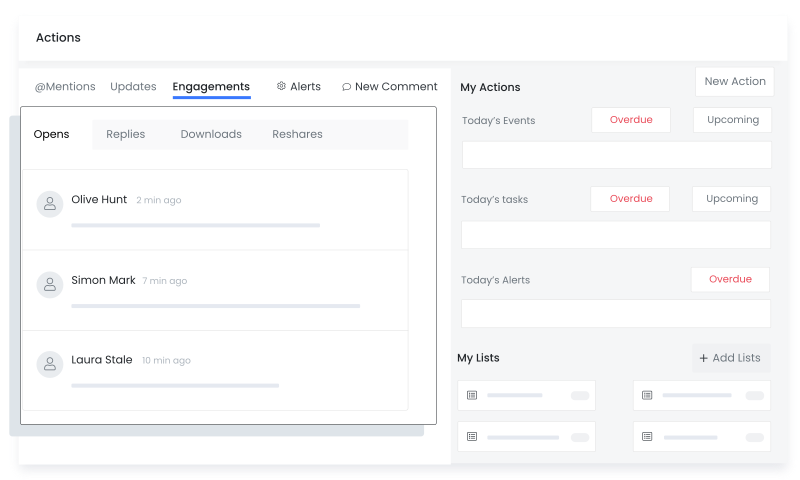
Be on the same page as them by knowing what emails and documents they viewed, downloaded, and reshared. Find out if the customer opened your email through the alerts on the Engagements tab.
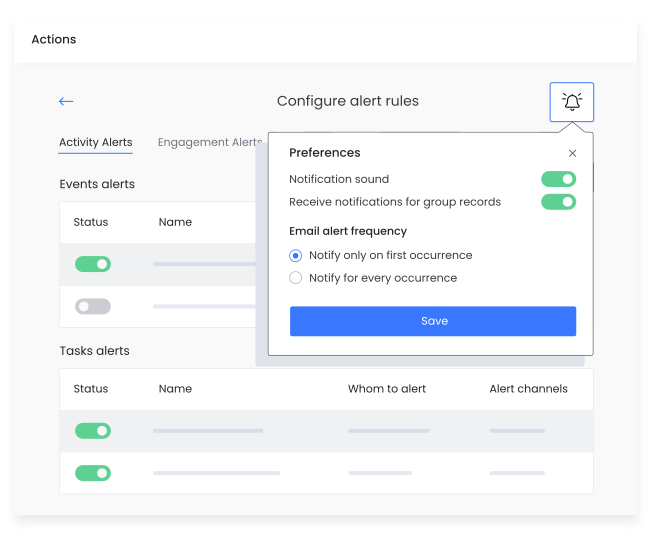
You can also control which alerts should show up for you.
The Updates tab shows record updates. Enable alerts, follow the records that you are working on, and instantly be notified when there is an update on them.
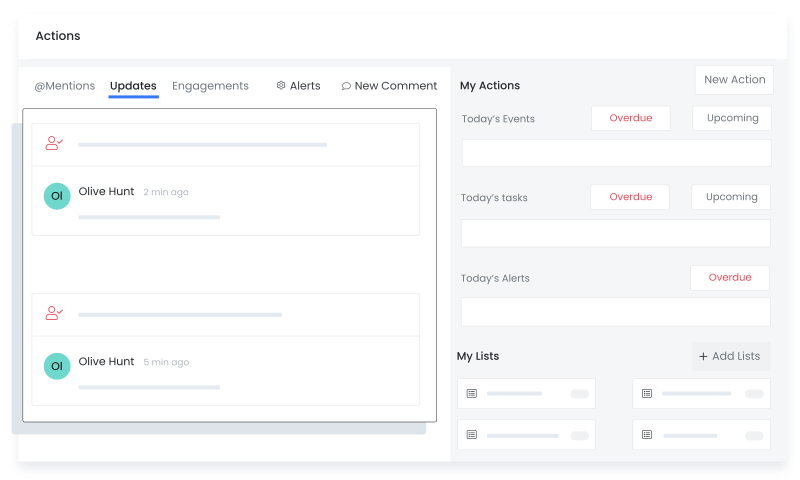
Smart Alerts make it easy for managers to monitor team members. Save time on manual checks by setting up alerts on your teammates' deals, invoices, etc. Monitor their progress by getting notified every time there is a change.
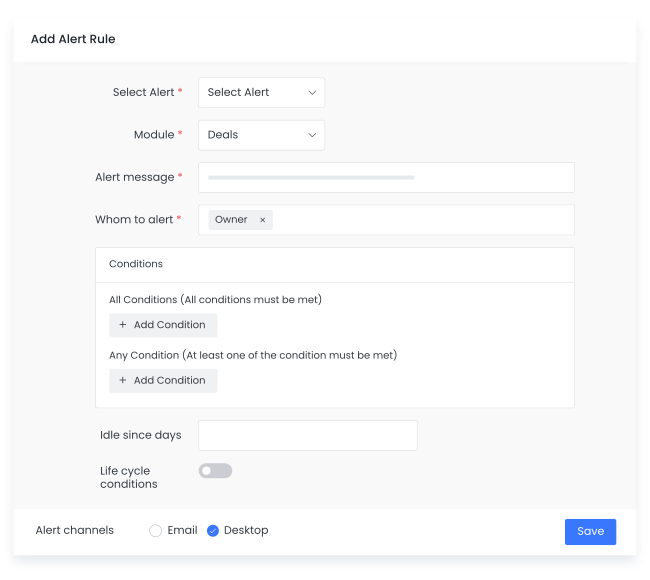
Customize all your alerts. Vtiger CRM allows you to set up Activity alerts, Engagement alerts, and Mentions. Choose what you want to be notified about and when. Set up alert channels and notification sounds to never miss an update.
Breezway consolidates and automates its business processes with Vtiger, resulting in YoY sales growth.

Pactia uses Vtiger Workflows to automate its sales process to save time and focus on the more important tasks.

GB Advisors customizes its CRM experience using Vtiger to scale up its customer base exponentially.