
Sales Productivity
Breezway consolidates and automates its business processes with Vtiger, resulting in YoY sales growth.
Find pages, features, and help articles.
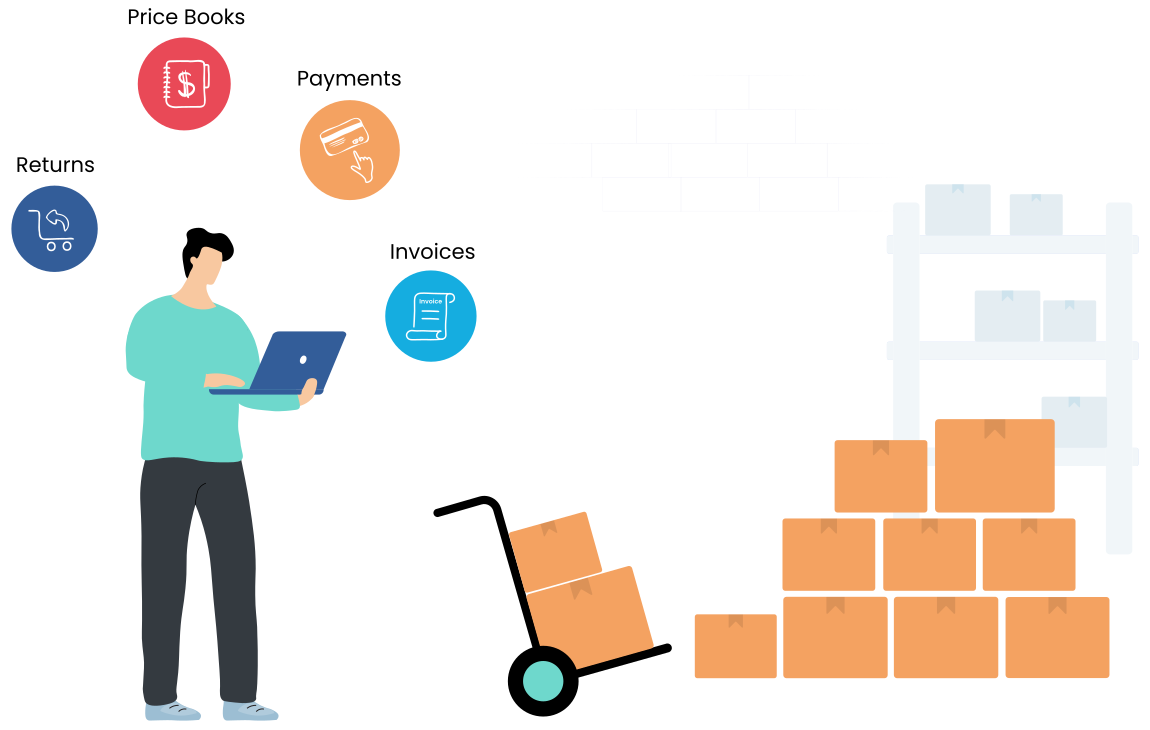
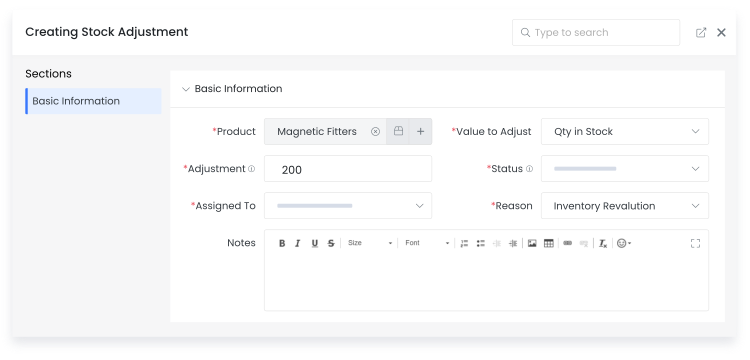
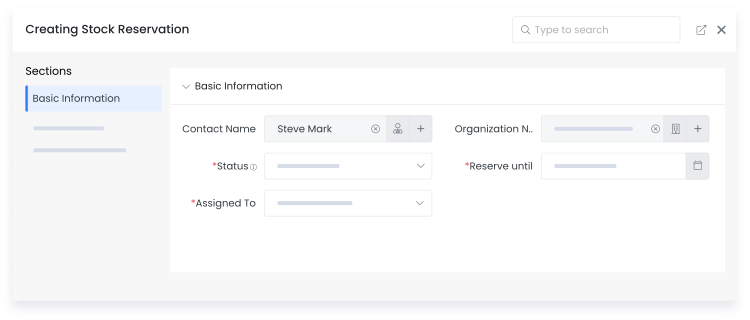
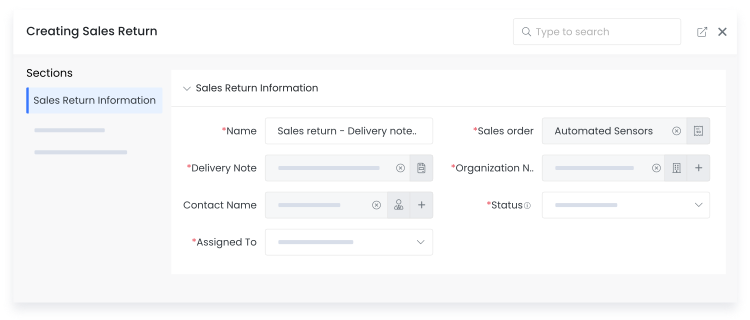
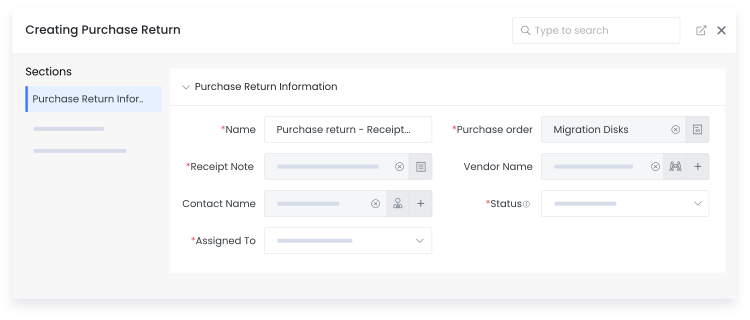
Accomplish entire inventory processes from Procurement to Order fulfillment by organizing Stocks, Vendors, Price books, Invoices, Payments, Notes and Returns.
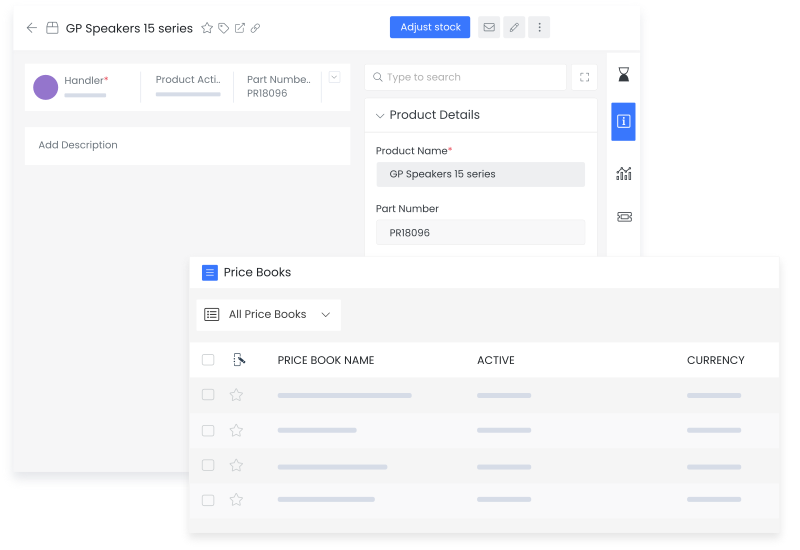
Vtiger's inventory management system captures all information about products and services, including serial numbers, pictures, descriptions, prices, stock numbers and more. Build a price book for each pricing strategy based on customer segments, regions, or other criteria to ensure your teams consistently present the most appropriate prices.
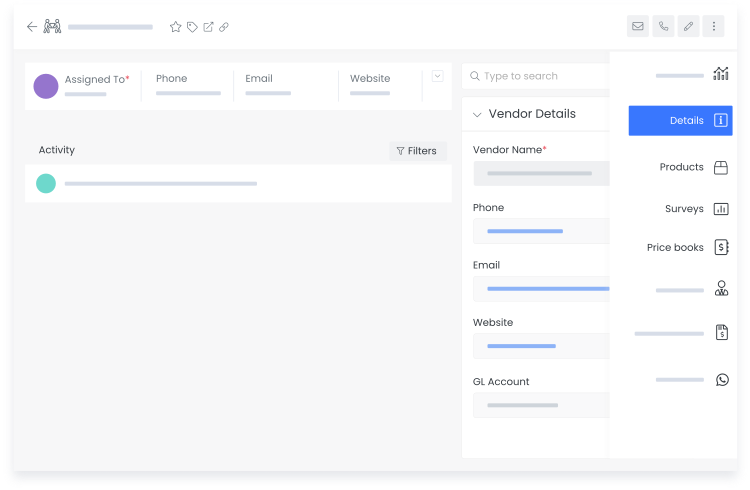
Link Products, Services and Price books details to vendors for quick purchase order creation when stock is low.
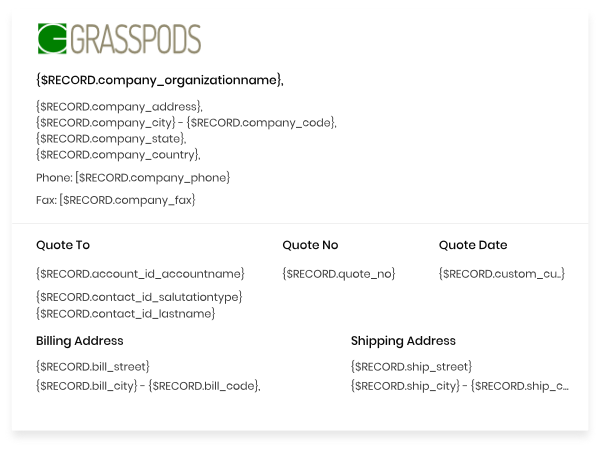
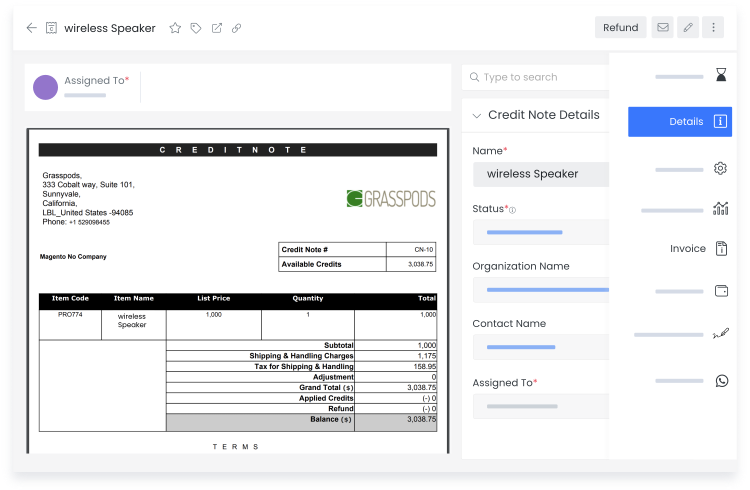
Vtiger's templates builder allows you to build quotes, invoices, purchase and sales orders to spec, which include your company logo and addresses. Send them to customers via email in a single click, and find them in related contact or opportunity records. Approved documents automatically deduct from inventory stock and can be synchronized with QuickBooks, Xero, and other accounting software.
You'll always have a challenging time managing outstanding payments. Send online payment requests to customers, which reflect against their unpaid invoices in Vtiger's payments module after being paid. Customers can also see quotes and invoices by logging into Vtiger's private customer portal.
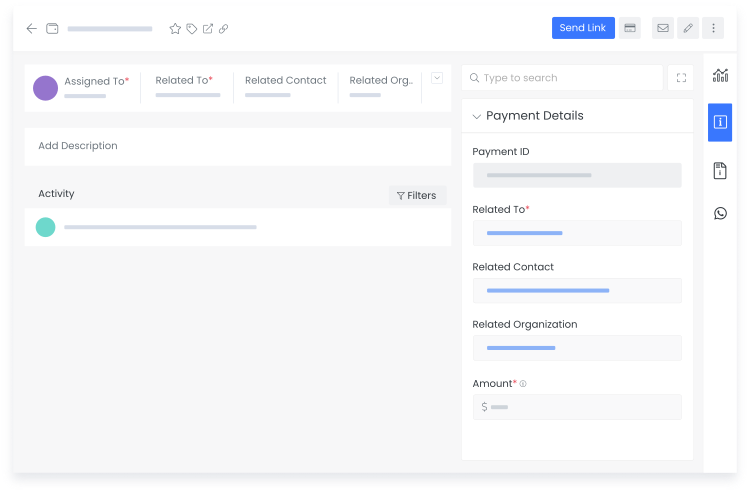
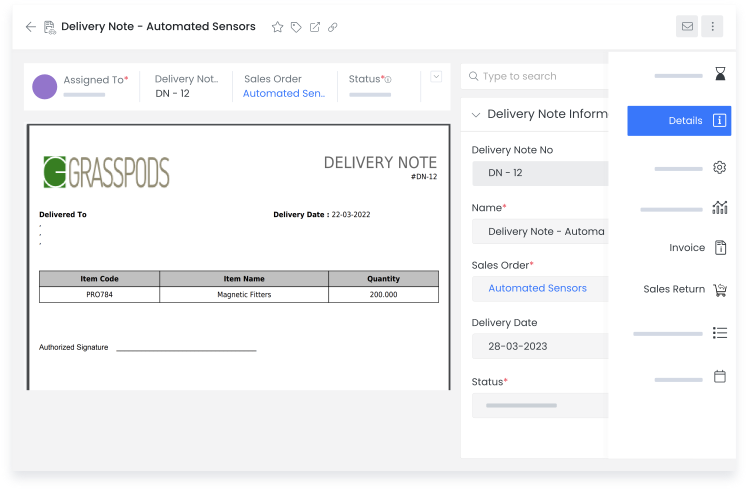
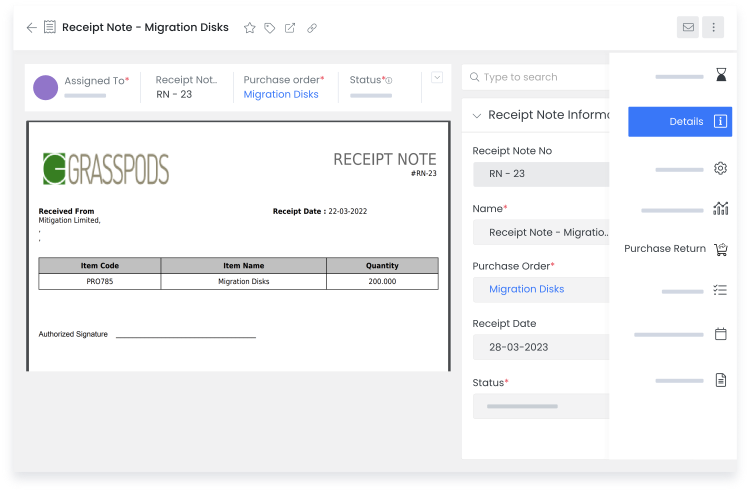
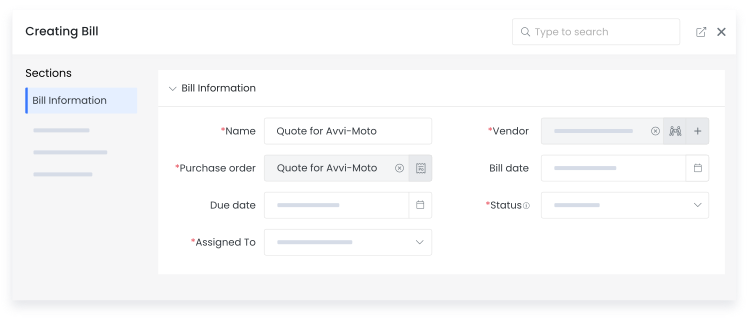
Bills are generated from a purchase order to initiate vendor payments; after receiving the ordered items. Payments are created from the Bills. Once the payment is completed, Bill status is automatically updated.
Breezway consolidates and automates its business processes with Vtiger, resulting in YoY sales growth.

Pactia uses Vtiger Workflows to automate its sales process to save time and focus on the more important tasks.

GB Advisors customizes its CRM experience using Vtiger to scale up its customer base exponentially.